Google Drive
About Google Drive
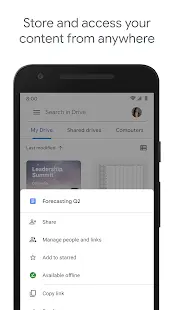
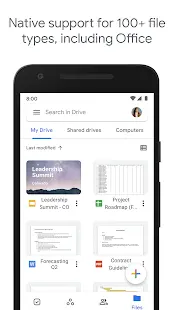
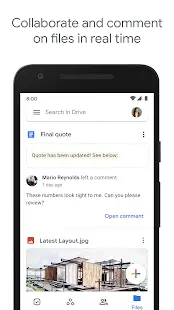
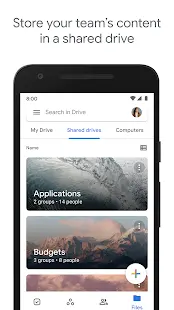
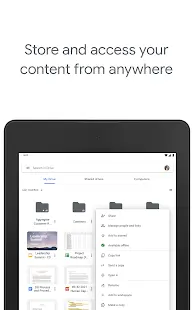
As well as being a search engine and email provider, Google offers one of the best cloud storage solutions available. Launched in April 2012, Google Drive provides a comprehensive file storage and synchronization service that allows user to store files online and access them across multiple devices. In addition to its web interface, Google Drive offers apps with offline capabilities across different platforms like computer, smart phone and tablet. It also permits collaborative editing for Google Docs suite of documents, files created and edited are auto-saved in Google Drive.
Google Drive Reviews
Google Drive's local application for consumers is Backup & Sync, which lets you sync almost any file or folder on a computer wherever they are. With a free Google account, you get 15GB of free cloud storage which across all the Google apps, Gmail and Google Photos include. Keep in mind that not everything counts towards storage limits. Files created under Google's proprietary, online formats apps, for example, Google Docs, Sheets, and other in-Drive apps don't count toward that quota, nor do files shared with you. However, if you are running out of space, you can sign up for a Google One personal plan. For businesses, Google Workspace plans give you all Google apps plus features tailored to business users.
Google Drive provides a number of simple to use file-sharing options. It also keeps track of version of the files uploaded. Historical version can be easily accessed within the Drive interface, and to download or restore any previous version of files.
Store Performance
In total, 9,857,604 reviews are found in Google play store with 4.3 stars rating. There has been 5,000,000,000+ installs. While in Apple app store, Google Drive is ranked #7 in Productivity with 4.7 stars rating by 330.1K users.
Pros and Cons
Pros
•Ease of use Includes desktop-to-desktop file-syncing.
•Interface well designed with easily navigable folder structure.
•Great for storing photos and videos.
•Seamlessly integrated with other Google products and excellent productivity-suite collaboration.
•Generous free storage space.
•Synchronization between devices is automatic and quick.
Cons
•Some users have pointed out that backups and transfers using the app take an inordinately long time to complete, which is unacceptable and impractical.
•Privacy concerns and tighten security may be considered.
•No end-to-end encryption.
Additional Information
- Category: Business
- Publish Date: 9 Jun,2026
- Size: 121 MB
- Requirements: Android 8.0+
- Developers: Visit the website
Screenshots
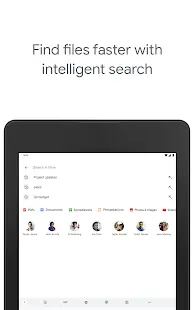
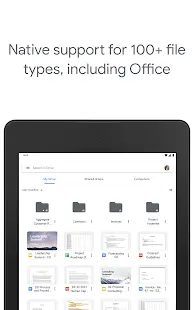
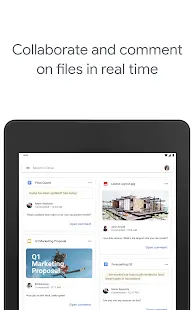
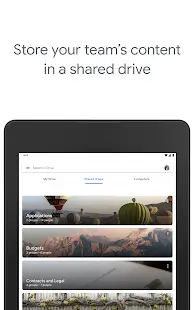



Download






Previous Versions
Disclaimer
· All APK files downloaded from AppDownList.com are safe. This site provides download links to Google Play and App Store. There is no unauthorized processing or modification of any APK packages, and we provide the same content as Google Play.
· This site and all content adheres strictly to all conventions in Google's Advertising Policy and Unwanted Software Policy.
· Please note that AppDownList only provides original APK packages. APK packages, trademarks and logos featured on AppDownList.com are owned by their original owners. If you own copyrighted material and would like to have it removed, please contact the person responsible for this site.
Similar Apps
myAT&T



Indeed Job Search
Microsoft Word: Edit Documents
AT&T Mobile Transfer
Adobe Acrobat Reader: Edit PDF
Grammarly - Grammar Keyboard
You may Like