Adobe Acrobat Reader: Edit PDF
About Adobe Acrobat Reader: Edit PDF
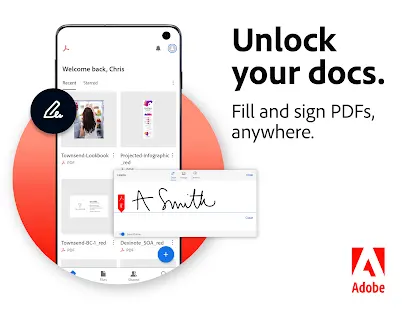
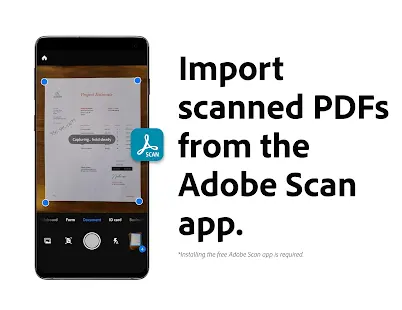
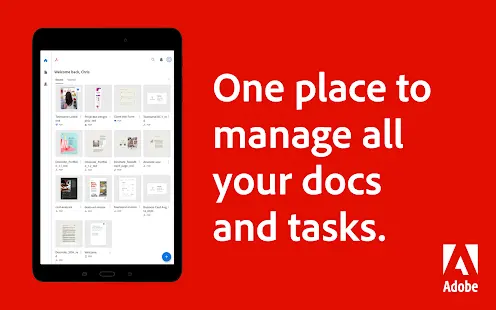
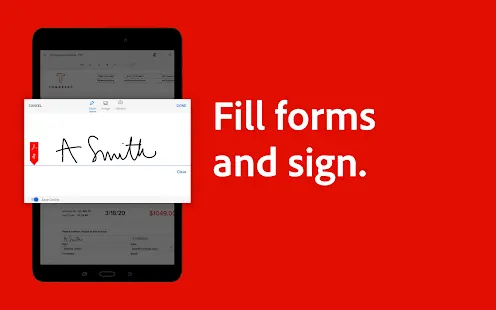
The small size of mobile phone makes it difficult for people to process documents on trips efficiently. But now, Adobe has developed an App with advanced technology to help people who have access to Enterprise Mobility Management (EMM) to deal with their documents easily. In the app, people could view and download PDFs without obstacles. Besides, users could share, redact and sign in PDFs. This app could assist users to change files format and set up PDF forms that can be filled.
And the app is Adobe Acrobat Reader: Edit PDF.
Adobe Acrobat Reader: Edit PDF Reviews
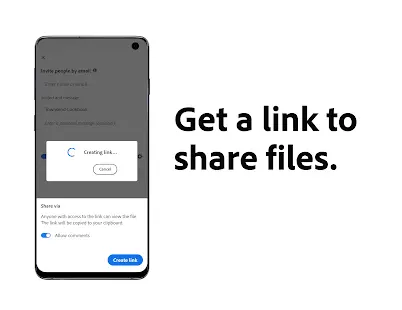
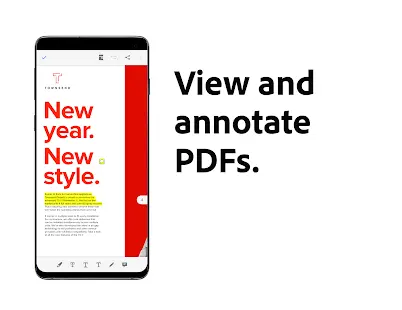
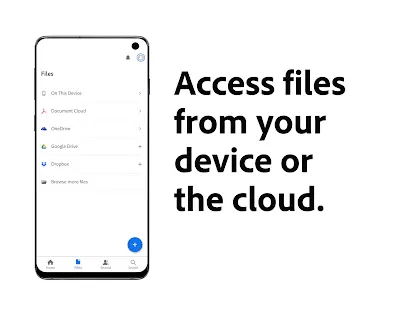
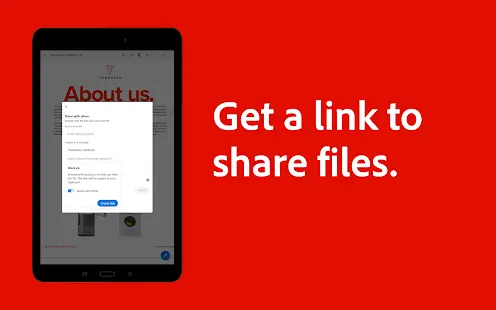
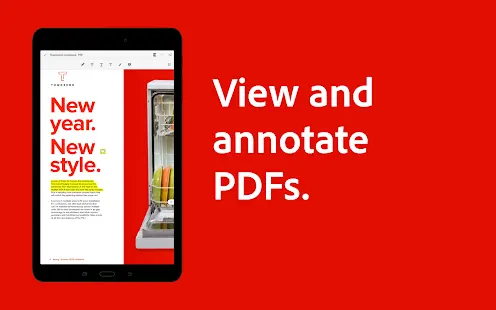
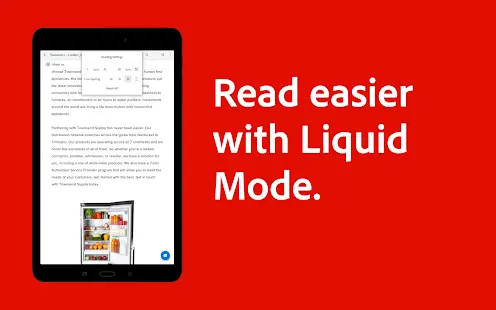
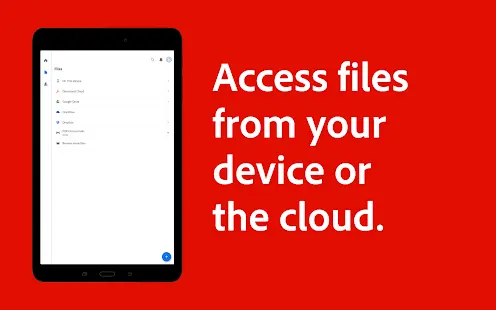
The main features of Adobe Acrobat Reader are basically about processing files. People could view and print PDFs directly from their phones and read PDFs easily in Liquid Mode. The App also allows users to edit PDFs and put their own notes, highlights and comments on files. With the help of Adobe Acrobat Reader, one online PDF could be shared and edited by multiple people at the same time. Last but not least, the App helps its users access their files on different Apps like Google Drive, MS OneDrive and Dropbox.
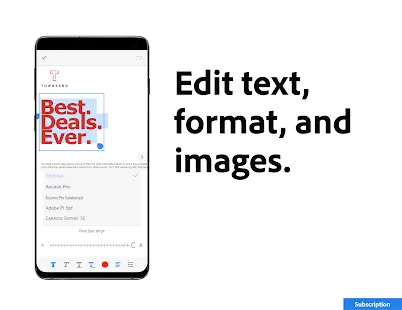
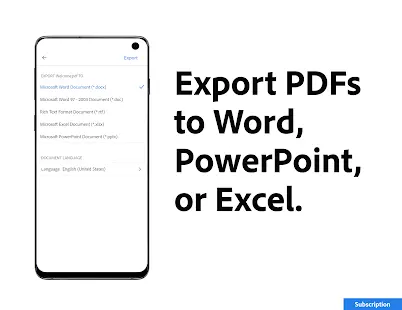
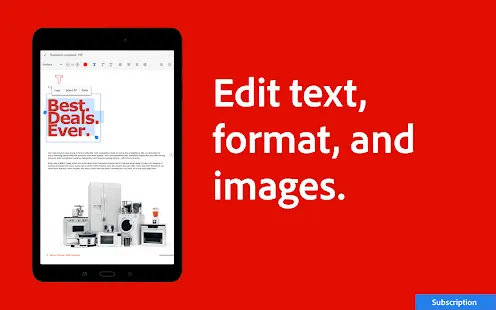
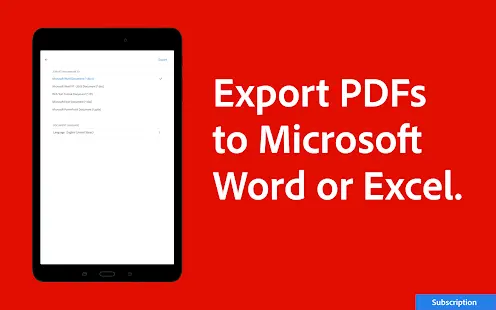
More features can be unlocked after subscription: PDFs can be converted to Microsoft Word, Excel or PowerPoint on Adobe Acrobat Reader. Users can combine multiple files into one file. Texts and images can be edited directly in the App (mobile only). And documents will be protected by adding passwords.
Store Performance
On Google Play, Adobe Acrobat Reader: Edit PDF’s rating is 4.6 out of 5 with more than 500,000,000 install and 5,485,574 user reviews. And it has also been collected in the most authorized "Editors' Choice" list. On iOS AppStore, its rating is 4.6 out of 5 with 213,450 reviews.
The convenient functions have brought this app a high rating and a large number of installs. It ranked 11th in the business sector on iOS AppStore. Undoubtedly, Adobe Acrobat Reader: Edit PDF must be a good choice for people who want to process their files regardless of the limitation of time and space.
Pros and Cons
Pros:
-It is easy for people to start and work on their documents anytime and anywhere.
-The premium subscription prices are relatively cost-effective, and there are multiple subscription options for users to choose.
-It’s convenient and user-friendly. The advanced features of the app make it close to a PDF app on PC.
-Download speed of documents is fast.
Cons:
-It requires permissions of all files in users’ devices, and some users are not willing to leak their private information.
-Problems may occur when people are canceling their subscription, and some are facing the problem of being charged unwillingly.
-It will update automatically without the permission of users.
Additional Information
- Category: Business
- Publish Date: 20 Oct,2025
- Size: 145 MB
- Requirements: Android 9.0+
- Developers: Visit the website
Screenshots




Download






Previous Versions
Disclaimer
· All APK files downloaded from AppDownList.com are safe. This site provides download links to Google Play and App Store. There is no unauthorized processing or modification of any APK packages, and we provide the same content as Google Play.
· This site and all content adheres strictly to all conventions in Google's Advertising Policy and Unwanted Software Policy.
· Please note that AppDownList only provides original APK packages. APK packages, trademarks and logos featured on AppDownList.com are owned by their original owners. If you own copyrighted material and would like to have it removed, please contact the person responsible for this site.
Similar Apps

Shiftsmart Partner



myAT&T

Google One

Microsoft Teams

Paylocity Mobile

Google Chat
You may Like