AT&T Mobile Transfer
About AT&T Mobile Transfer
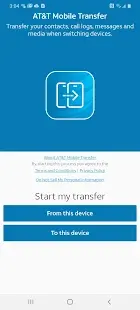
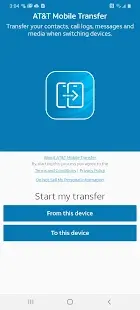
AT&T Mobile Transfer is a platform that allows user to transfer mobile phone content from old to new device wirelessly. This application was introduced in 2014 by American telco AT&T. The app can be quite useful as a great transfer alternative to Google Backup and iCloud. It’s also a quick and simple way to transfer data between iPhone and Android!
AT&T Mobile Transfer Reviews
AT&T Mobile transfer app is considered as an easy solution especially when you switch between iPhone and Android.
Before the transfer happens, you may text TRANSFER to 6565 from the old phone to check transfer compatibility. If it does, a text message with a download link will be sent to your phone. Or you can download the app directly from Google Play store or Apple App store. Please always make sure your mobile device is updated on the latest OS version whether you are using an Android device or an iPhone.
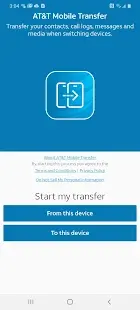
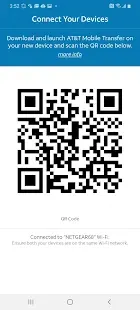
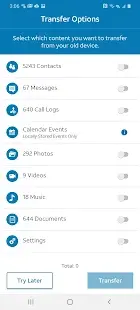
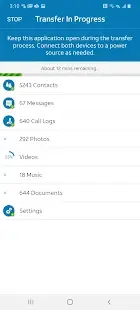
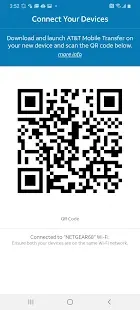
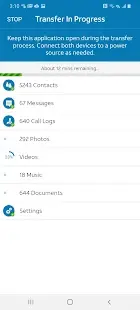
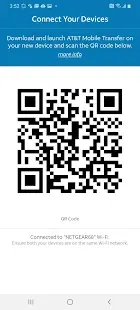
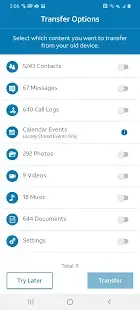
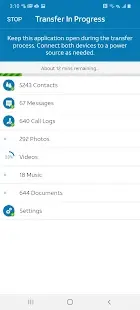
Next, get both devices are connected on the same Wi-Fi network and there is enough storage space on new device, you may start the process of transferring following the instruction of the app. The time taken to transfer contents from one phone to another depends on size of the data, internet connection speed, and the download speed. The estimated time will be displayed on screen, and it will keep updating during the whole process.
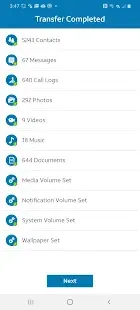
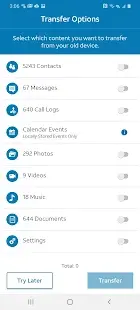
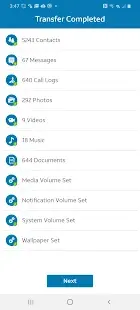
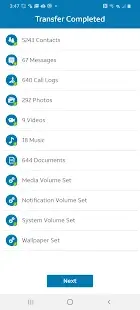
Be aware of the limitation of transferring among different devices that not all formats of music and videos are supported. AT&T only supports DRM-free music, and in the case of iPhone, videos from the android phones cannot be streamed. In the case of Amazon Fire, it allows the transfer of contacts, pictures, videos, documents, music, SMS, MMS, and call logs. The content is limited to 16 GB for each transfer with an AT&T app. However multiple transfers are allowed and you don’t need to worry about restoring all the data in a single session.
However, if you’re switching from an iPhone to a new iPhone, the app is not recommended and it is better to stick with the iCloud account. In some instance, user complaint that their photos get messed up after using AT&T transfer tool.
Pros and Cons
Pros:
• Quick and easy to use; straight forward transfer of contacts
• Increases efficiency and saves time
• Data privacy options are fantastic
• Option to skip transfer
• Excellent customer service
Cons:
• Not all contacts transferred
• Temporarily unavailable for download and use in the App Store of the iOS system and Google Play of the Android system
• Ringtones cannot be transferred
• Contact profile picture is not transferred together with the contact
• Takes time to transfer huge content
Additional Information
- Category: Business
- Publish Date: 12 Dec,2022
- Size: 19 MB
- Requirements: Android 8.0+
- Developers: Visit the website
Screenshots



Download






Previous Versions
Disclaimer
· All APK files downloaded from AppDownList.com are safe. This site provides download links to Google Play and App Store. There is no unauthorized processing or modification of any APK packages, and we provide the same content as Google Play.
· This site and all content adheres strictly to all conventions in Google's Advertising Policy and Unwanted Software Policy.
· Please note that AppDownList only provides original APK packages. APK packages, trademarks and logos featured on AppDownList.com are owned by their original owners. If you own copyrighted material and would like to have it removed, please contact the person responsible for this site.
Similar Apps
Google Drive


Microsoft Excel: Spreadsheets

Grammarly - Grammar Keyboard

Alarm Clock for Me free
Google Calendar

ClevCalc - Calculator
You may Like