Google Calendar
About Google Calendar
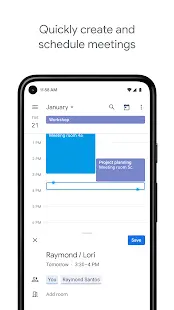
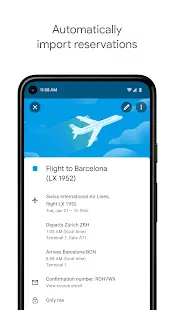
Google Calendar is a free online calendar with Google Workspace integration where you can keep track of events and share them with family, friends, or co-workers. This digital calendar apps provides convenient access and streamline scheduling for both personal and business use. Google Calendar allows user to set up reminders, send invitations, and keep track of RSVPs. It was initially available in July 2009 by Google LLC, on the web and as mobile apps for both Android and iOS platforms.
Google Calendar Reviews
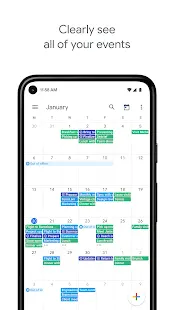
Google Calendar has basic yet robust feature of adding events and sharing your calendar despite its simple and professional design. For example, you may share your work calendar only with colleagues but hiding the rest of your schedule. Additional features like setting up custom emails and shared calendars, reserving conference rooms or simply more cloud storage, are under paid subscription to give you a boost in productivity.
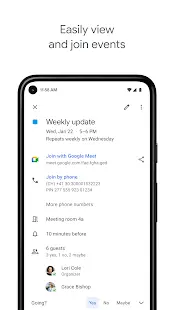
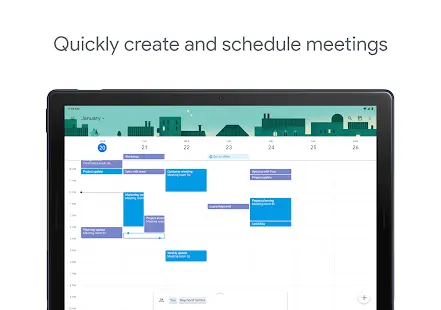
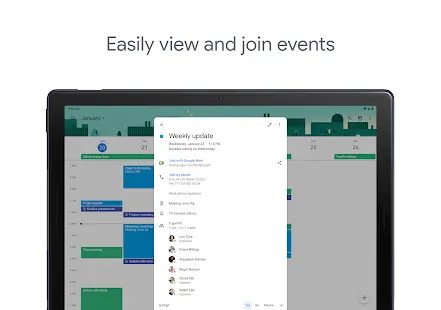
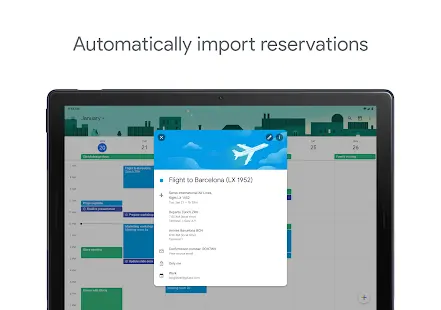
Since Google Calendar is cloud-based application hence any changes made on one device will instantly be updated on all other devices that have access to the same calendar. Syncing events between your smartphone or computer are made simple. The app integrates seamlessly with other Google Workspace apps, like Gmail and Google Meet. You can quickly create a video conference meeting or set the event to trigger a reminder email to be sent out before the meeting starts.
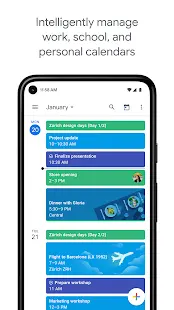
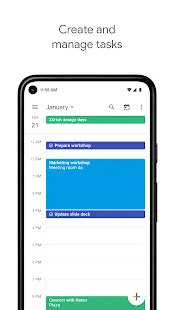
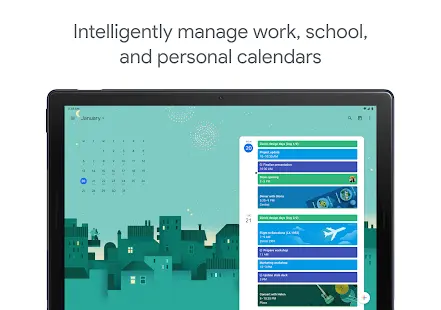
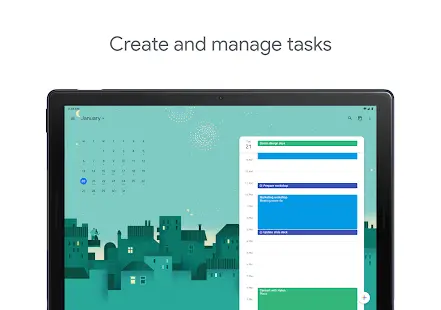
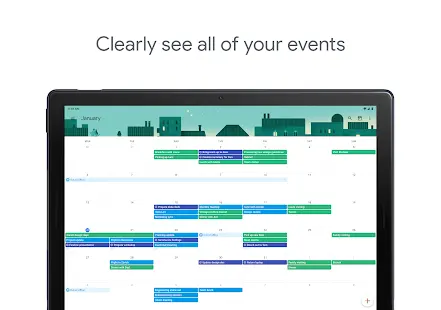
Google Calendar is so flexible and easy to use. App users may create color-coded events and sort them out by category into separate calendars, especially for those people with complex workflows and busy schedules.
If you ever run into some problem there is always help available by searching keyword for support articles or visit the Google support forums. Unfortunately, you can’t get hold of Google directly unless you have a Workspace subscription.
There are other limitations that user can’t set up location-based reminders in Google Calendar, which is offered in Google Keep—another note-taking app. Google Calendar does not have any additional passwords or other protections, in another word, those events are as safe as your Google account. Hence it is recommended to enable two-factor authentication for enhanced security.
Store Performance
In total, 2,339,795 reviews are found in Google play store with 4.2 stars rating. There has been 5,000,000,000+ installs. While in Apple app store Google Calendar is ranked No. 13 in Productivity category with 4.8 stars rating by 304 users. The app is rated as 4+ on Apple iOS App store and “Everyone” in Google Play store.
Pros and Cons
Pros:
• Helps app user to manage time more effectively
• Ease of use and simplicity in general
• Easy to share calendar with everyone
• Sleek design and intuitive interface
• Integrated with Google Workspace
• Free to use
Cons:
• Lack of integration with Microsoft calendar
• Application sometimes crashes and does not mark the event as a reminder on the agenda of all participants
• Urgent items and regular calendar reminders have very similar colors, making it difficult for users to quickly distinguish them
Additional Information
- Category: Business
- Publish Date: 11 Jun,2026
- Size: 33 MB
- Requirements: Android 8.0+
- Developers: Visit the website
Screenshots



Download






Previous Versions
Disclaimer
· All APK files downloaded from AppDownList.com are safe. This site provides download links to Google Play and App Store. There is no unauthorized processing or modification of any APK packages, and we provide the same content as Google Play.
· This site and all content adheres strictly to all conventions in Google's Advertising Policy and Unwanted Software Policy.
· Please note that AppDownList only provides original APK packages. APK packages, trademarks and logos featured on AppDownList.com are owned by their original owners. If you own copyrighted material and would like to have it removed, please contact the person responsible for this site.
Similar Apps

Google Chat



Alarmy - Alarm Clock Solution
ClevCalc - Calculator

LinkedIn: Jobs & Business News
Google Drive
HP Smart
You may Like