Microsoft Excel: Spreadsheets
About Microsoft Excel: Spreadsheets
Microsoft Excel is a powerful application provided by Microsoft Corporation, first released on January 6, 2015. It has become an indispensable tool for professionals, students, and individuals alike due to its exceptional capabilities in data analysis, organization, and visualization. Excel’s user-friendly interface and extensive features make it a go-to choice for managing complex numerical data efficiently.
Excel is primarily used for creating, editing, and analyzing spreadsheets. Spreadsheets are a grid of cells organized in columns and rows, which allow users to input, calculate, and manipulate data effortlessly. The software supports a wide range of data types, including text, numbers, dates, and formulas, making it highly versatile for diverse applications. Whether you need to track expenses, manage inventory, or create financial models, Excel provides the tools necessary to streamline these tasks.
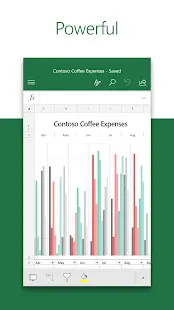
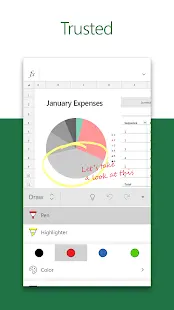
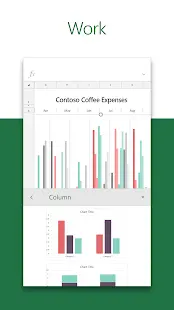
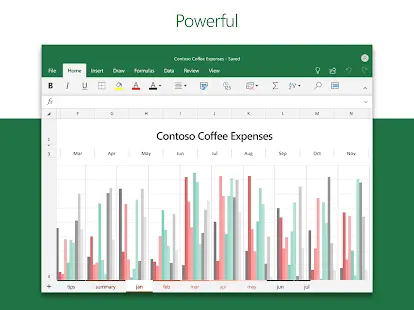
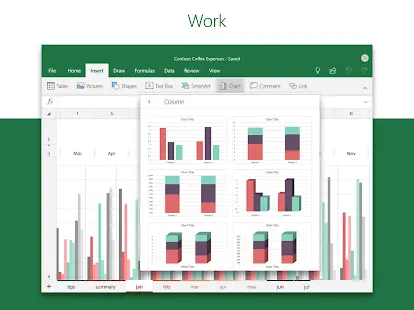
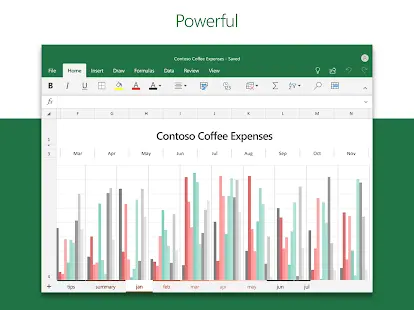
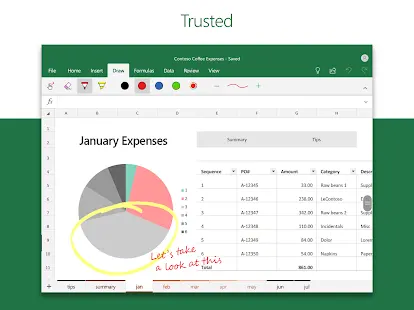
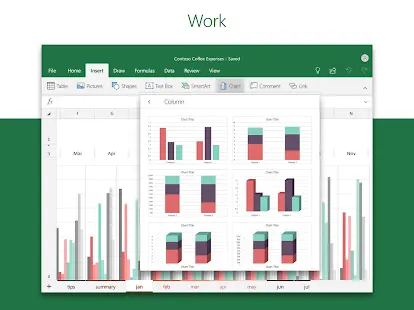
With Excel, users can perform complex calculations and create custom formulas to automate repetitive tasks. The software offers a vast library of built-in functions, from basic arithmetic operations to advanced statistical analysis, enabling users to generate insights from their data effectively. Additionally, Excel’s powerful charting capabilities enable users to present data visually, making it easier to understand and communicate information effectively.
In conclusion, Microsoft Excel is a versatile and powerful application that revolutionizes data analysis, organization, and visualization. Its robust features, extensive functions, and user-friendly layout make it an invaluable tool for professionals, students, and individuals seeking to harness the power of data. While it may have a learning curve and face performance limitations with large datasets, the benefits of Excel far outweigh its drawbacks.
Microsoft Excel: Spreadsheets Reviews
Microsoft Excel has an overwhelming presence in the workplace due to its adaptability and diverse feature set. Users often praise Excel for its range of functionality and potential for customization. Reviewers frequently highlight the benefit of the software’s integration with other Microsoft Office programs, emphasizing its suitability for seamless teamwork and information transfer. Excel’s user-friendly interface receives commendation for its intuitiveness, allowing novices to adapt and explore features with relative ease. Many users also report increased productivity and efficiency through Excel’s tools, acknowledging that the program has proven itself as an essential, time-saving resource.
However, some reviewers note their struggles in mastering the vast number of features, suggesting that Excel’s full capabilities are not easily accessible to novice users. Others express concerns regarding compatibility issues when opening files in different formats or using alternative spreadsheet applications.
Store Performance
On iOS App Store, the rating of Microsoft Excel: Spreadsheets is 4.8 out of 5.0, with 914K user reviews, and it has also been ranked as the 32nd among Productivity apps. On Google Play, its rating is 4.8 out of 5.0, with 4.33M user reviews and more than 1 billion installs. Based on the above data, we can find that this app has been well-received by the majority of users on the App Store and Google Play.
Pros and Cons
Pros
1. Excel offers a wide range of features and functions, making it suitable for diverse applications, from basic calculations to complex data analysis.
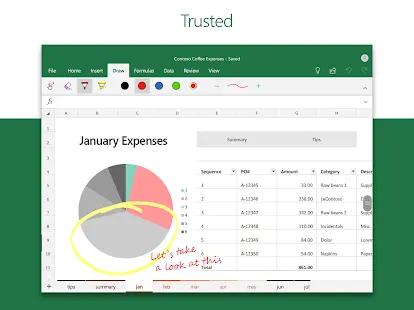
2. The software’s charting capabilities allow users to create visually appealing and informative charts, graphs, and dashboards, making data easier to interpret and share.
3. Excel’s ability to create custom formulas and macros helps automate repetitive tasks, saving time and increasing efficiency.
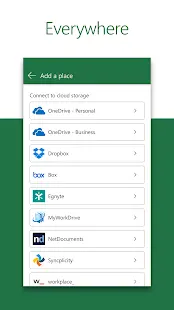
4. Excel supports real-time collaboration, enabling multiple users to work on the same spreadsheet simultaneously, fostering teamwork and enhancing productivity.
Cons
1. Excel’s extensive features and capabilities can be overwhelming for beginners, requiring a significant investment of time and effort to master.
2. Excel may become sluggish when handling large datasets or complex calculations, leading to performance issues.
3. Users may face compatibility problems when sharing Excel files with individuals using different versions or other spreadsheet applications.
Additional Information
- Category: Business
- Publish Date: 20 Apr,2026
- Size: 130 MB
- Requirements: Android 13+
- Developers: Visit the website
Screenshots



Download






Previous Versions
Disclaimer
· All APK files downloaded from AppDownList.com are safe. This site provides download links to Google Play and App Store. There is no unauthorized processing or modification of any APK packages, and we provide the same content as Google Play.
· This site and all content adheres strictly to all conventions in Google's Advertising Policy and Unwanted Software Policy.
· Please note that AppDownList only provides original APK packages. APK packages, trademarks and logos featured on AppDownList.com are owned by their original owners. If you own copyrighted material and would like to have it removed, please contact the person responsible for this site.
Similar Apps

Microsoft Authenticator



Okta Verify

Office (Microsoft 365)

Google Docs

Google Meet (original)

Google One
You may Like