Dropbox: Secure Cloud Storage
About Dropbox: Secure Cloud Storage
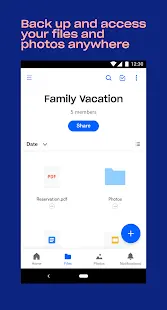
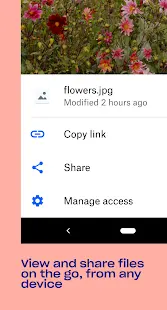
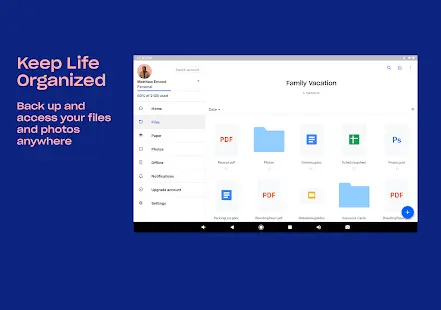
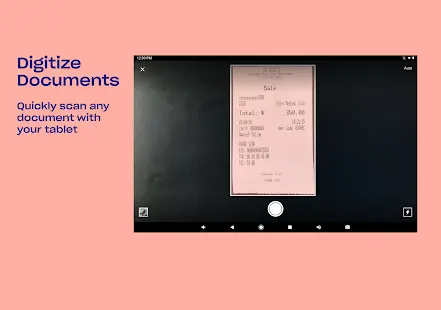
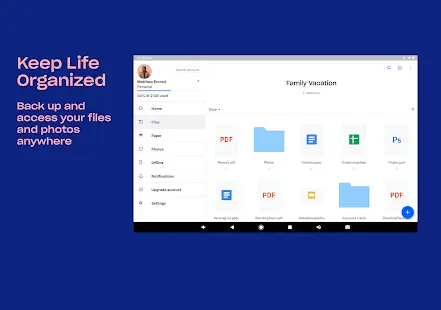
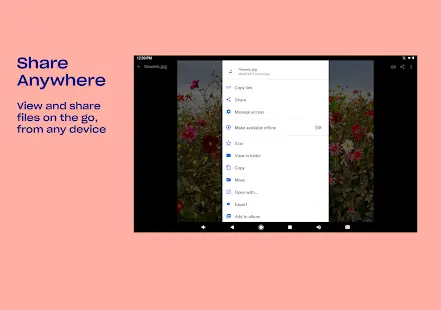
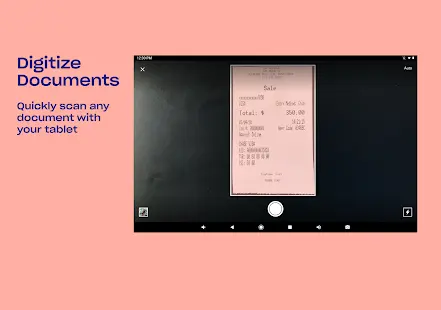
Dropbox is a powerful document and photo cloud storage app on mobile and desktop platforms, and which is developed by Dropbox, Inc. You can upload and transfer any files, such as documents, pictures, videos, novels, learning materials, etc. to the cloud, perfectly releasing the storage space of your mobile phone and backing up important content to prevent loss. It is also very convenient to access after uploading to the cloud, and can be accessed from any of your devices anytime, anywhere, and through advanced sharing functions, documents or files of any size can be easily shared and sent to friends, family and colleagues.
More importantly, the Dropbox mobile version also has the function of U disk, you can transfer files between the computer and the software through the built-in FTP server, support various types of files, and provide you with a one-stop file storage, transfer and browsing service. What’s more, it is far more than just a network hard drive. It may not be the best data backup solution or network hard drive for file sharing, but its cross-platform synchronization function and version control function can meet user’s real work needs now.
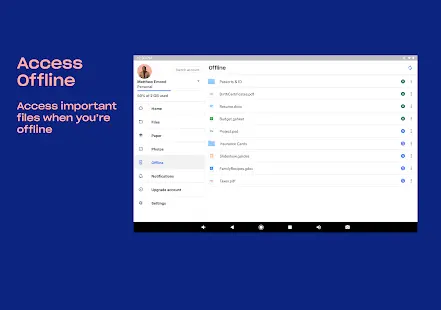
On the whole, DropBox is a very good free network file synchronization software. After you install it on different computers, tablets, and mobile phones, no matter if you add, modify, or delete files on any of the devices, Dropbox will automatically apply the changes to all your devices through the network, keep your files exactly the same across all your devices and make them available anytime, anywhere.
Dropbox: Secure Cloud Storage Reviews
From the actual experience, Dropbox is a very popular and powerful network disk tool, which supports the cloud storage service of historical versions of files, and also has an automatic synchronization function, which can keep your dropbox files consistent on all devices and help you take files like photos, documents, and videos anywhere. The method of using this software is also very simple. Users only need to drag the files they want to back up, store, and share into this folder, and then they can be stored in the dropbox network storage space. The software can also automatically update the modified files synchronously, you can also set the folder attribute as public or private, and even share it with friends for common operation and editing.
Store Performance
On iOS App Store, the rating of Dropbox is 4.8 out of 5.0, with 326,000 user reviews. On Google Play, its rating is 4.3 out of 5.0, with 2, 220, 000 user reviews and more than one billion installs. Based on the above data, we can find that this app has relatively high scores and ranks high on App Store. Of course, if you are looking for a convenient and practical cloud service software, then Dropbox is undoubtedly a good choice.
Pros and Cons
Pros
1. Provide file version control function, this function can be said to be very convenient and rational.
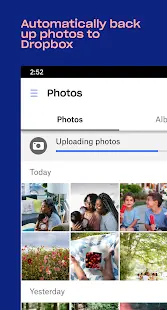
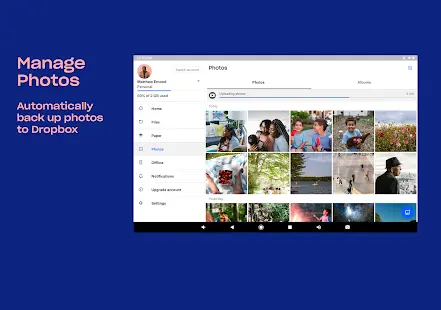
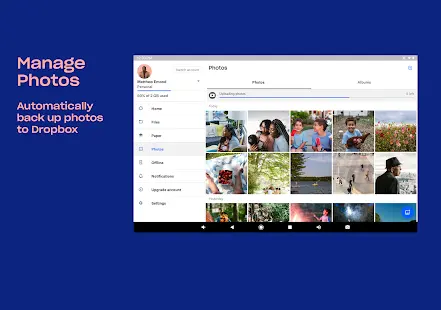
2. The support for photos is better, and it integrates the photo album function, which makes it easier to synchronize your photos.
3. It has the function of collaboration and cooperation, and you can invite friends to edit and update the files in a certain folder.
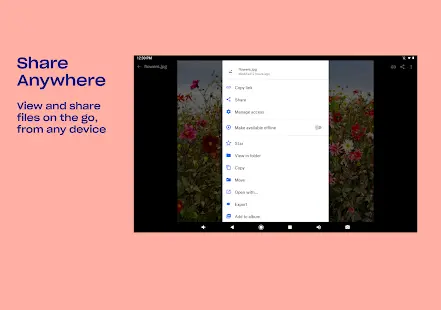
4. The app provides file sharing function, and can support external link of file download address.
5. The stability of free users is also extremely high, and the upload and download speeds are very fast.
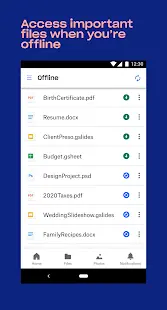
6. After you modify the file, you don’t need to manually upload the file, it will automatically and silently synchronize for you in the background.
7. You don’t need to download manually after modifying files on other computers, and the local files will be automatically updated for you.
Cons
Small storage space. Dropbox only provides 2GB of storage space for free.
Additional Information
- Category: Business
- Publish Date: 4 Jul,2024
- Size: 111 MB
- Requirements: Android 8.0+
- Developers: Visit the website
Screenshots



Download






Previous Versions
Disclaimer
· All APK files downloaded from AppDownList.com are safe. This site provides download links to Google Play and App Store. There is no unauthorized processing or modification of any APK packages, and we provide the same content as Google Play.
· This site and all content adheres strictly to all conventions in Google's Advertising Policy and Unwanted Software Policy.
· Please note that AppDownList only provides original APK packages. APK packages, trademarks and logos featured on AppDownList.com are owned by their original owners. If you own copyrighted material and would like to have it removed, please contact the person responsible for this site.
Similar Apps

ID.me Authenticator


Google Docs
Microsoft Excel: Spreadsheets
AT&T Mobile Transfer
Link to Windows
Adobe Acrobat Reader: Edit PDF
You may Like