Link to Windows
About Link to Windows
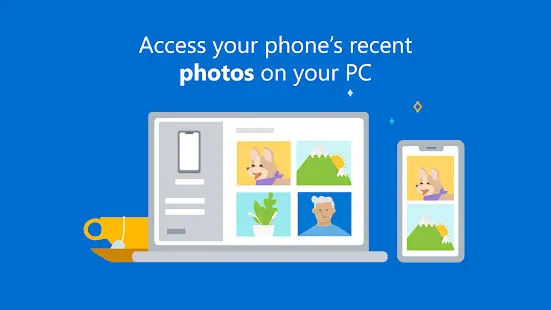
Your Phone Companion was announced by Microsoft at its Build 2018 event on May 7, 2018. It is an app advertisement and file transfer utility that comes with Windows 10 and is available for Windows 10 Mobile. It provides a partial list of Microsoft apps available on Android and Windows 10 Mobile. The app allows users to view recent photos on their phone and send text messages from their computer.
Link to Windows Reviews
Smartphone users can benefit from Windows 10's "Your Phone Companion" app, which provides accessibility features when users are using both their phone and a Windows computer. It links the phone and computer together, allowing users to sync notifications, text from their computer, and wirelessly transfer photos.
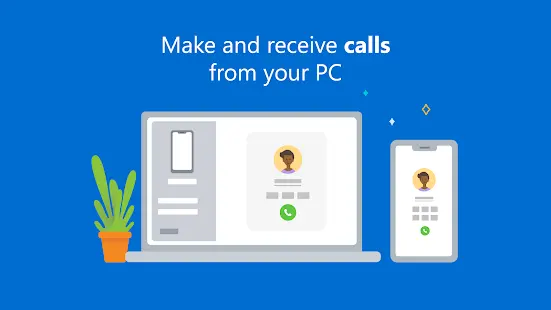
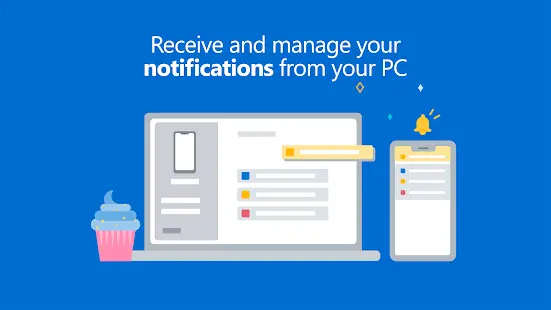
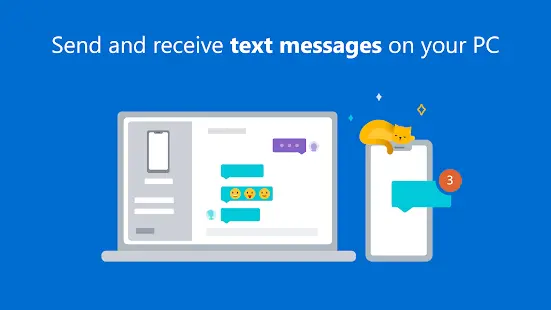
Its features are as follows, in terms of sending messages, Your Phone Companion can display text messages from mobile phones. You can also reply and view incoming text messages in one place. Microsoft uses the same system to update your conversations to match your phone. So, what the user deletes from the phone will also disappear from the computer. The app also allows users to scroll through the message history if you want to see older messages. For making calls, users make and receive calls directly from their computer. This feature is a handy feature for those who use laptops and mobile phones. When answering the phone, you don't have to take your attention away from the screen, which saves time and effort for office workers. Users simply connect the app to their smartphone via Bluetooth. Your Phone Companion also has a mirror notification feature that mirrors notifications from your phone to your computer. Notifications on your phone will show up on your computer, they're in sync, and if you clear notifications from your computer, they'll disappear on your phone as well. This feature is available to users after setting up the app on the device.
Your Phone Companion is a useful tool for users who always use a computer and a mobile phone at the same time, especially those who care about productivity. Microsoft designed this app to help you focus on your work. Let apps keep important content in one place and minimize switching between different devices to perform certain tasks. This is very helpful for improving cross-platform productivity.
Store Performance
Your Phone Companion has 579,704 reviews in Google Play store and a review of 3.9 stars out of 5. In Appgrooves, it has 3.9 stars rating and 57.9W reviews. Microsoft's Your Phone Companion topped the Android charts in October 2019 with over 10 million downloads. While it's not the most downloaded app on the entire platform, this success shows how important it is to meet user needs.
Pros and Cons
Pros:
Help users focus on your work. Let apps keep important content in one place, minimizing switching between different devices to perform certain tasks. This helps improve cross-platform productivity.
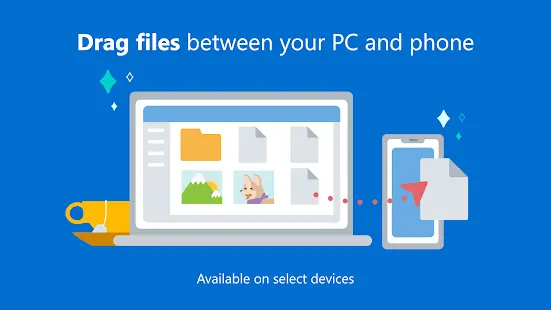
Photos can be copied, edited and even dragged and dropped without touching the phone, making it easy for users to upload content.
Cons:
Sometimes the connection drops or the connection goes wrong, indicating that Windows cannot communicate with the user's phone, reducing the user's productivity.
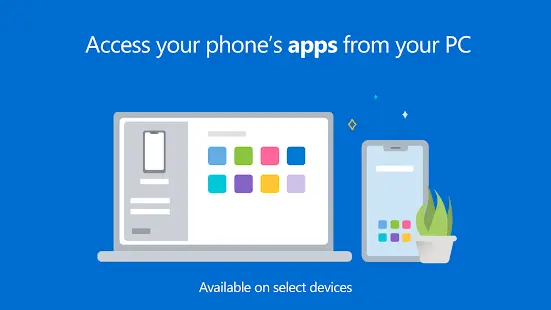
While sometimes the user's photos, emails and texts are syncing, no apps on the phone can be opened on the computer.
Additional Information
- Category: Business
- Publish Date: 16 Jun,2026
- Size: 97 MB
- Requirements: Android 10+
- Developers: Visit the website
Screenshots



Download






Previous Versions
Disclaimer
· All APK files downloaded from AppDownList.com are safe. This site provides download links to Google Play and App Store. There is no unauthorized processing or modification of any APK packages, and we provide the same content as Google Play.
· This site and all content adheres strictly to all conventions in Google's Advertising Policy and Unwanted Software Policy.
· Please note that AppDownList only provides original APK packages. APK packages, trademarks and logos featured on AppDownList.com are owned by their original owners. If you own copyrighted material and would like to have it removed, please contact the person responsible for this site.
Similar Apps
Office (Microsoft 365)


myAT&T
Xfinity
Microsoft Outlook: Secure email, calendars & files

Google Meet (original)
Google Assistant
You may Like