Microsoft Outlook: Secure email, calendars & files
About Microsoft Outlook: Secure email, calendars & files
Microsoft Outlook is a personal information management app. With Microsoft Outlook, it becomes easier for users to handle emails. It is not only an email client, but it also includes such functions as calendaring, task managing, contact managing, note-taking, journal logging, and web browsing. Outlook can help users share information by means of public folders, forms, and Internet connection. Via using calendars in Outlook, users can view all tasks and meetings as daily, weekly and monthly, which helps users make plans. In addition, it can protect the privacy of users and block spam.
Microsoft Outlook: Secure email, calendars & files Reviews
Users speak highly of Microsoft Outlook, which brings convenience to them, especially when it comes to handling personal mailbox information. Microsoft Outlook is an accessible email client with powerful integrations. It can protect users’ email account from predators and filter spam. It also allows users to sync emails directly to their calendar or contact list. By doing this, they can make future plans, which is both simple and convenient. Besides, although Microsoft Outlook has many functions, it is easy to use. The design of user interfaces is clean and straightforward. With this app, users can read emails, email friends and share their calendar with people anywhere. In short, using this app helps to manage personal information and improve work efficiency.
Store Performance
On iOS App Store, Microsoft Outlook’s rating is 4.8 out of 5.0, with more than 5,892,175 user reviews. And it has been ranked as the #4 in productivity category. On Google Play, its rating is 4.5 out of 5.0, with 8,825,524 user reviews. On Amazon, the rating is 4.4 out of 5.0, with 34,420 user reviews.
Microsoft Outlook has attracted many users to use thanks to its convenience. It makes users read and compose emails easily. The rating of this app is fairly good on iOS App Store, Google Play and Amazon. Most users have given five-star reviews, but there are still very few negative reviews which show that Microsoft Outlook still has room for improvement.
Pros and Cons
Pros
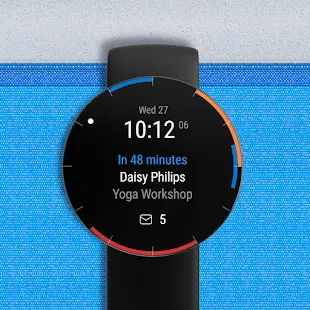
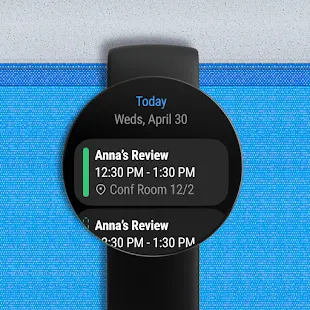
- Users can synchronize dates with the Outlook calendar for reminders and the Outlook app will separate business from non-essential emails that they would like to look at later.
- Users can read the email titles simply and decide whether to put them to the junk folder.
- Microsoft Outlook can filter spam and has no ads.
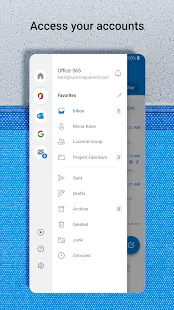
- Users are able to place their emails in folders easily, which helps them to sort out different kinds of emails.
- With Microsoft Outlook, mails and folders are accessible across all devices which is so handy and helpful.
Cons
- Sometimes, users’ accounts are unwarrantedly limited.
- Some users fail to receive notifications for new emails.
Additional Information
- Category: Business
- Publish Date: 6 May,2025
- Size: 158 MB
- Requirements: Android 9.0+
- Developers: Visit the website
Screenshots











Download






Previous Versions
Disclaimer
· All APK files downloaded from AppDownList.com are safe. This site provides download links to Google Play and App Store. There is no unauthorized processing or modification of any APK packages, and we provide the same content as Google Play.
· This site and all content adheres strictly to all conventions in Google's Advertising Policy and Unwanted Software Policy.
· Please note that AppDownList only provides original APK packages. APK packages, trademarks and logos featured on AppDownList.com are owned by their original owners. If you own copyrighted material and would like to have it removed, please contact the person responsible for this site.
Similar Apps

Indeed Job Search



Google One
Microsoft Word: Edit Documents

Google Meet (original)

Google Assistant

Workday
You may Like