Tv Remote: Roku Remote Control
About Tv Remote: Roku Remote Control
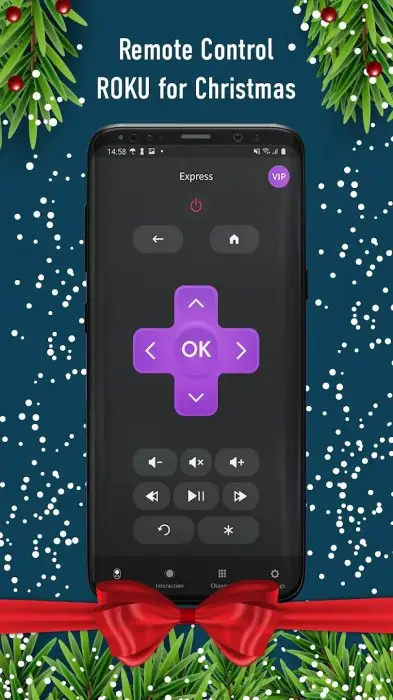
Remote Control for Roku is a powerful remote control software developed by Kraftwerk 9 Inc., which can help you easily control your media player, and you'll be able to control playback of content, run apps on your Roku, and enter text. It is easy to use and very convenient. You can operate your TV right from your phone.
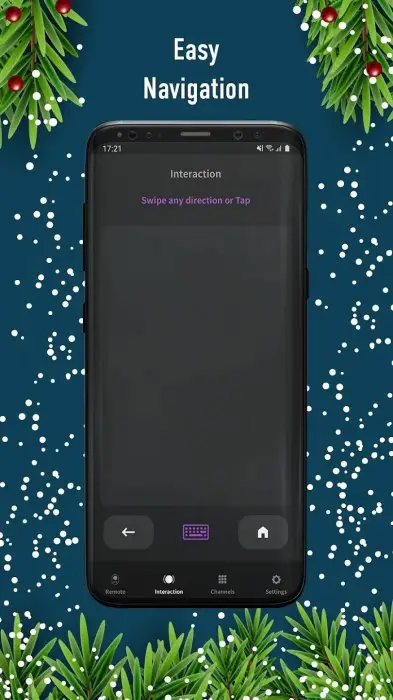
Then, as a stable and easy-to-use smart remote control software for mobile phones, Remote Control for Roku allows users to enjoy a convenient smart life experience, and can perform stable operation services on the mobile phone at any time. It is very convenient and easy to use, allowing everyone to enjoy more smart life. What’s more, the app’s interface is relatively intuitive, without piles of buttons or complicated settings, making it easy for you to get started.
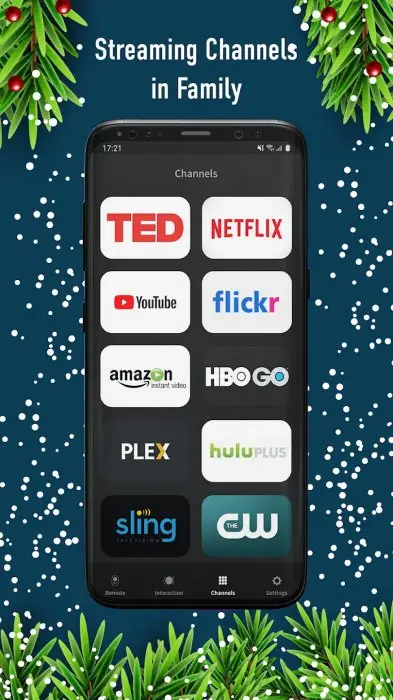
Last but not least, one of the most convenient things about the Remote app is a shortcut to the Roku Channel. Instead of navigating on the home screen, you can use the Recent Channels button at the bottom to launch channels directly from the app.
Tv Remote: Roku Remote Control Reviews
From the actual experience, I absolutely love this app, and it is so easy to type with your keyboard instead of the remote. And when you can’t find the remote, all you do is open the app. What’s more, it is a must-have virtual remote control for your mobile phone, you can use it to quickly switch TV stations, adjust the volume, quickly control the Roku TV box, and watch wonderful TV programs.
Store Performance
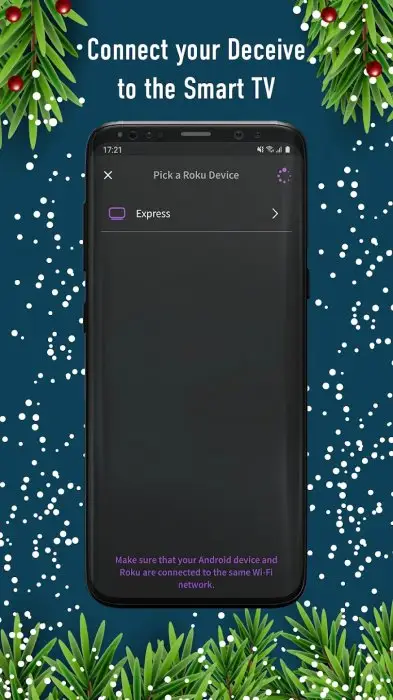
On iOS App Store, the rating of Remote Control for Roku is 4.5 out of 5.0, with 474,800 user reviews. On Google Play, its rating is 4.1 out of 5.0, with 48,100 user reviews and more than 5,000,000 installs. Based on the above data, we can find that this app has relatively high scores and ranks high in App Store. Of course, the remote actually works pretty well as long as your mobile device and the Roku you want to control are connected to the same network.
Pros and Cons
Pros
1. The app works so well and set up is so fast and easy.
2. The remote part of the App works great.
3. Ability to adjust volume and change channels on Roku TV.
4. The large touchpad will make navigating menus and content very easy.
5. Stream hit movies, TV shows, and more on the go with the Roku Channel.
6. Cast videos, photos and music to your TV or control your Roku device as another remote device.
Cons
Crashes occur while using the app.
Additional Information
- Category: Tools
- Publish Date: 12 Jul,2024
- Size: 61 MB
- Requirements: Android 7.0+
- Developers: Visit the website
Screenshots



Download






Previous Versions
Disclaimer
· All APK files downloaded from AppDownList.com are safe. This site provides download links to Google Play and App Store. There is no unauthorized processing or modification of any APK packages, and we provide the same content as Google Play.
· This site and all content adheres strictly to all conventions in Google's Advertising Policy and Unwanted Software Policy.
· Please note that AppDownList only provides original APK packages. APK packages, trademarks and logos featured on AppDownList.com are owned by their original owners. If you own copyrighted material and would like to have it removed, please contact the person responsible for this site.
Similar Apps
Screen Mirroring - Castto


Canon Print Service
myMetro
Samsung Smart Switch Mobile
Cast TV - Cast for Chromecast
Wodfix
You may Like