MyBell
About MyBell
In today’s fast-paced digital world, staying connected and managing our communication services has become an integral part of our lives. MyBell is a comprehensive and interactive virtual assistant application offered by Bell Canada, one of the country’s leading communication service providers. Launched on July 28, 2014, the application aims to simplify the management of bell services for customers. MyBell is accessible online and is available for installation on both Android and iOS platforms. With its innovative features and user-friendly interface, MyBell has emerged as a popular and convenient tool for Bell customers to manage their services, pay bills, and stay informed about their account details.
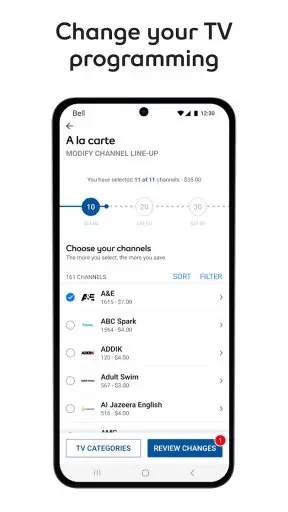
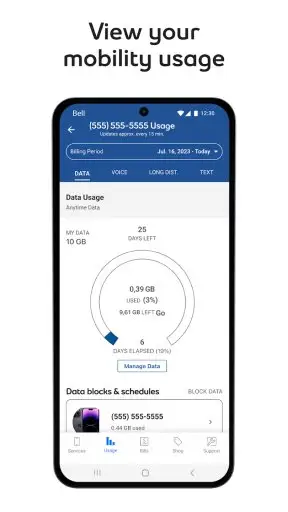
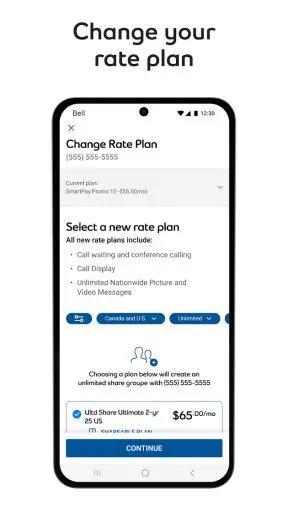
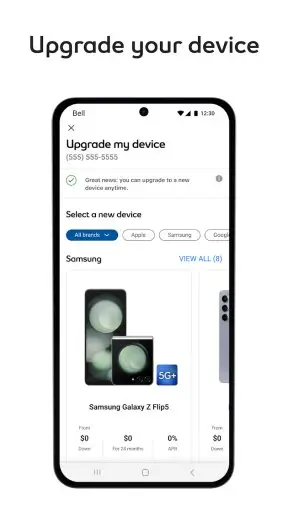
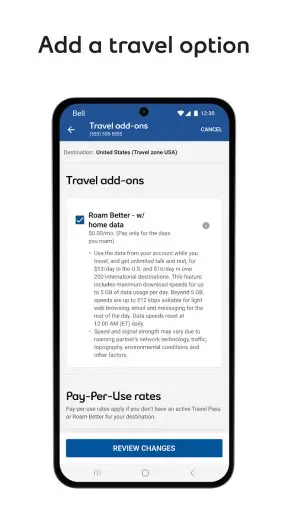
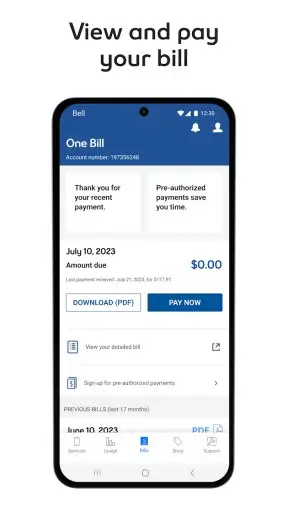
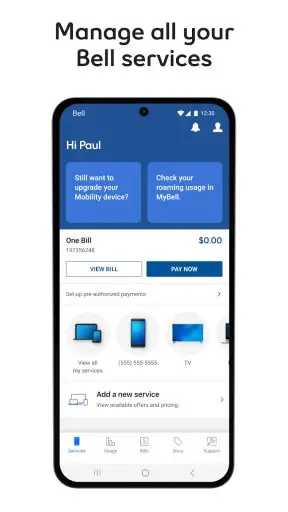
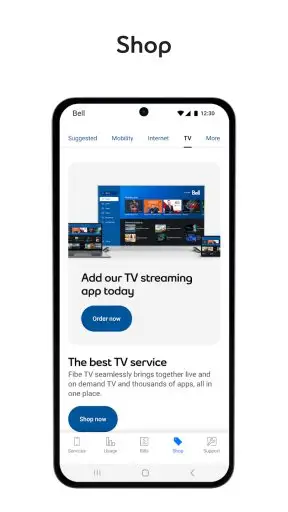
The application offers a wide range of features for users to effectively manage their Bell services, such as viewing and paying their bills, monitoring usage, and customizing their account preferences. MyBell also allows customers to seamlessly access their Bell TV, internet, home phone, beIN SPORTS CONNECT, CTV, and other services through a single platform.
One of the significant features of MyBell is its personalized dashboard, which presents all the essential account information to the users at first glance. This dashboard is customizable and ensures that users can quickly find the required information with minimal effort. The app also offers a detailed view of the bills, making it easy for customers to understand and monitor their expenses and payment history. Moreover, MyBell sends notifications to users, reminding them about their upcoming bills and due dates.
Overall, MyBell is a versatile and feature-rich application designed to make the customer experience more convenient, efficient, and enjoyable for Bell Canada clients.
MyBell Reviews
MyBell has received mixed reviews from users, with many appreciating its easy-to-navigate interface and convenient management features. Many customers have found it helpful in keeping track of their Bell services, bills, and usage. Some users have also praised the app for its real-time chat support, saying that it has made getting assistance easier and faster.
However, some customers have criticized the app for occasional bugs and glitches, leading to temporary unresponsiveness or login issues. A few users have also complained about the app’s lack of compatibility with some older Android devices, which has limited its usability for some.
Despite the criticism, MyBell maintains an overall positive reception from its user base, thanks to its comprehensive features and Bell’s commitment to improving the platform regularly.
Store Performance
On iOS App Store, the rating of MyBell is 4.4 out of 5.0, with 352.2K user reviews, and it has also been ranked as the 4th among Utilities apps. On Google Play, its rating is 4.4 out of 5.0, with 129K user reviews and more than 10 million installs. Based on the above data, we can find that this app has equally high scores and recognition both on the App Store and Google Play.
Pros and Cons
Pros
1. The customizable dashboard provides users with quick access to essential account information.
2. The app allows customers to view their bills in detail, monitor expenses, and pay online with ease.
3. MyBell enables users to access all their Bell services through a single platform, promoting convenience and efficiency.
4. The self-serve portal and real-time chat feature ensure customers receive prompt assistance for any queries or issues.
Cons
1. Some users have experienced minor technical issues with the app, affecting its responsiveness or functionality.
2. The app has been reported to have limited compatibility with some older Android devices.
3. MyBell does not currently allow customers to manage multiple accounts from the same login, which has caused inconvenience for some users.
Additional Information
- Category: Communication
- Publish Date: 1 Aug,2025
- Size: 130 MB
- Requirements: Android 7.0+
- Developers: Visit the website
Screenshots



Download






Previous Versions
Disclaimer
· All APK files downloaded from AppDownList.com are safe. This site provides download links to Google Play and App Store. There is no unauthorized processing or modification of any APK packages, and we provide the same content as Google Play.
· This site and all content adheres strictly to all conventions in Google's Advertising Policy and Unwanted Software Policy.
· Please note that AppDownList only provides original APK packages. APK packages, trademarks and logos featured on AppDownList.com are owned by their original owners. If you own copyrighted material and would like to have it removed, please contact the person responsible for this site.
Similar Apps
Carrier Services



Psiphon Pro
Skype - free IM & video calls

Zello PTT Walkie Talkie

KakaoTalk : Messenger
Ring - Always Home
You may Like