Microsoft Edge: Web Browser
About Microsoft Edge: Web Browser
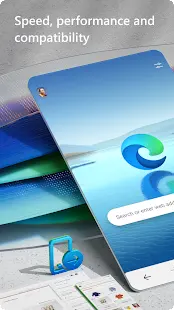
Microsoft Edge is a web browser developed by Microsoft. It is the default web browser for Windows 11, replacing Internet Explorer. Microsoft Edge offers features including web page customization, improved security, better performance and integration with Windows 11. It also includes support for extensions and tabbed browsing.
As a powerful browser, Microsoft Edge integrates many AI functions to provide users with more convenience. First of all, backed by a more powerful and accurate AI model than ChatGPT, Microsoft Edge's search engine will enable all users to embrace an absolutely intelligent, accurate, fast and efficient information retrieval and generation experience. Secondly, Edge has an intelligent detection function, which can identify the user’s behavioral characteristics, so as to issue an alert in time when the user encounters a network security risk. In addition, it also has an intelligent translation function, which allows users to directly complete the translation of web page content in the browser without copying the text of the web page to translation software for translation. Finally, Microsoft Edge has a powerful voice assistant function that can provide comprehensive help based on the user’s voice input. These AI functions make Microsoft Edge more intelligent and provide users with more convenience.
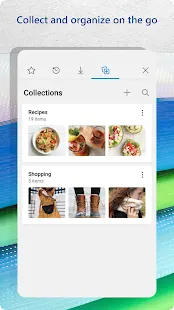
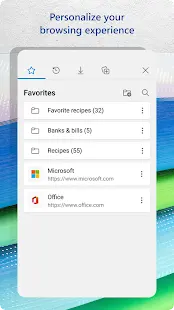
With a user-friendly interface and a range of customizable options, Edge offers features like tab management, built-in tools for note-taking and PDF viewing, integration with Microsoft services, privacy enhancements, and seamless synchronization across devices.
Microsoft Edge: Web Browser Reviews
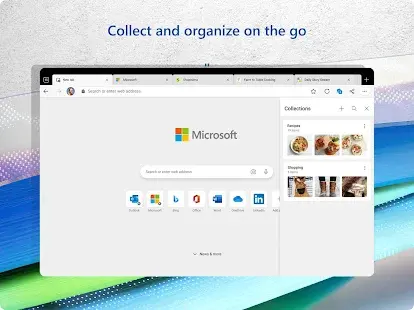
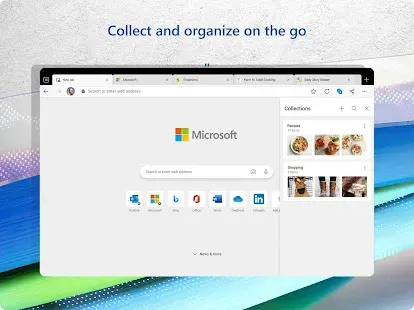
From the actual experience, this application does have many advantages, and it is also my preferred browser for surfing the Internet. The Edge browser’s search box offers more features than other browsers, such as entering the weather and viewing answers without having to hit the search engine, which is very convenient. IOS and Windows have nearly identical support for organizing and editing Favorites and Collections. Some hidden settings in this app are even supported via URL, just like on Windows. In other words, I like to use Edge as my browser of choice on iOS over others.
Store Performance
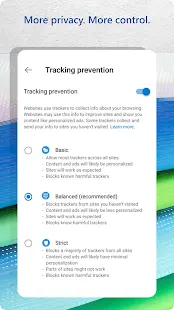
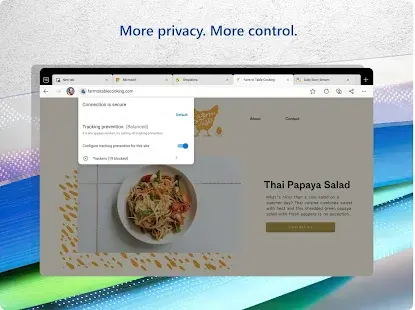
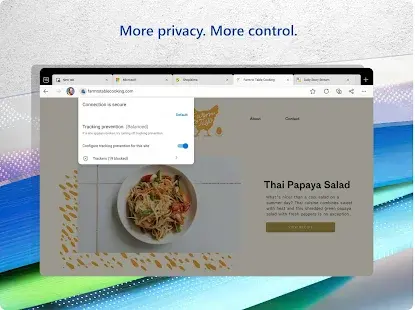
On iOS App Store, the rating of Microsoft Edge is 4.6 out of 5.0, with 84,099 user reviews. And it has been ranked as the #15 in utilities apps. On Google Play, its rating is 4.7 out of 5.0, with 841,469 user reviews and more than 50,000,000 installs. Based on the above data, we can find that this app has relatively high scores in Google Play. Of course, if you are looking for a fast and secure browser, Microsoft Edge is definitely the first choice. The powerful search engine provides you with an extremely fast and accurate search experience, and tracking prevention services help you surf the Internet more safely.
Pros and Cons
Pros
1. The application is relatively small in size, takes up less space resources in the system, and supports the use of low-profile devices.
2. The interface is simple, and it will not feel cumbersome in daily use.
3. Fast and secure, which can help you protect your data and save time and money.
4. The application has many plug-ins and is easy to install, simple and fast.
5. It supports the current mainstream Web technologies, and as a browser that comes with Windows 11, it brings a better functional experience to Microsoft users.
6. Users can write or enter comments on the website through the browser Edge, and communicate with others to share.
7. Compared to other browsers, the swipe of the app is quite smooth.
Cons
The sound disabling option provided by Microsoft Edge often doesn't work when browsing pages with video content.
Additional Information
- Category: Communication
- Publish Date: 11 Jun,2026
- Size: 213 MB
- Requirements: Android 10+
- Developers: Visit the website
Screenshots






Download






Previous Versions
Disclaimer
· All APK files downloaded from AppDownList.com are safe. This site provides download links to Google Play and App Store. There is no unauthorized processing or modification of any APK packages, and we provide the same content as Google Play.
· This site and all content adheres strictly to all conventions in Google's Advertising Policy and Unwanted Software Policy.
· Please note that AppDownList only provides original APK packages. APK packages, trademarks and logos featured on AppDownList.com are owned by their original owners. If you own copyrighted material and would like to have it removed, please contact the person responsible for this site.
Similar Apps

WAMR: Undelete messages!



Google Meet (Google Duo)
Skype - free IM & video calls

Ring - Always Home
Google Chrome: Fast & Secure

Zalo
You may Like