SmartWatch - BT Sync (Wear OS)
About SmartWatch - BT Sync (Wear OS)
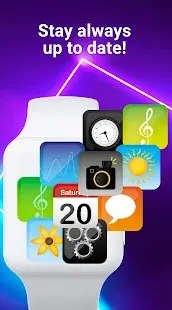
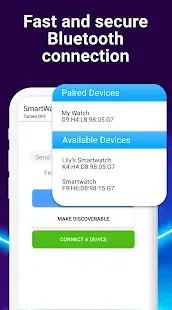
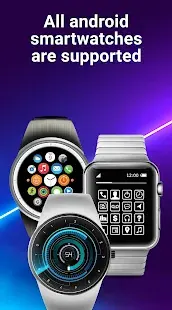
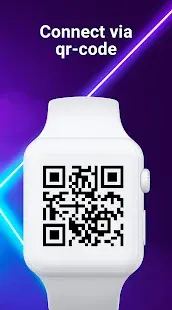
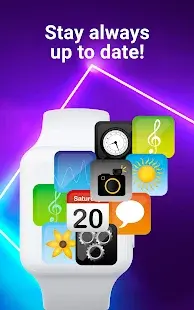
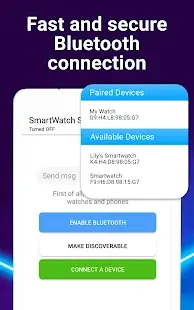
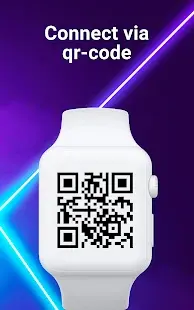
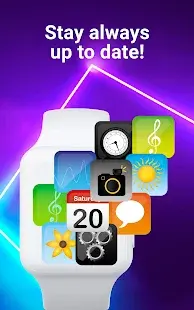
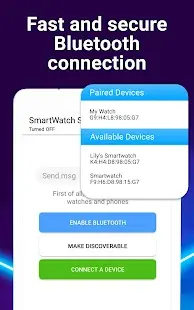
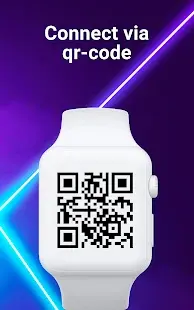
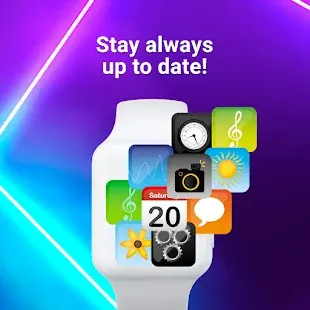
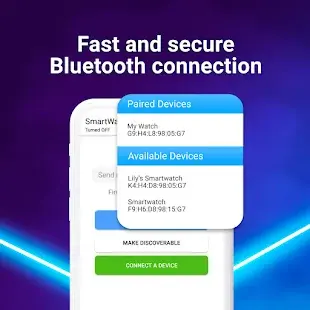
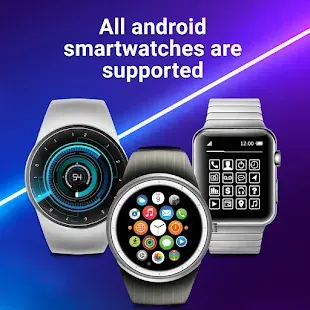
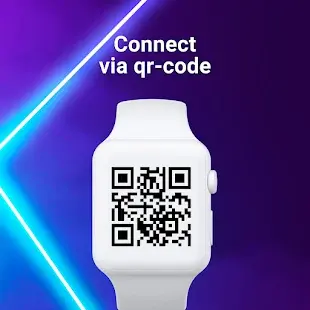
SmartWatch - BT Sync is an application developed by Simple Things for Life. This app is designed for Wear OS, which is a version of the Android operating system designed specifically for smartwatches and other wearable devices. The purpose of the SmartWatch - BT Sync app is to allow users to connect their smartwatches to their smartphones via Bluetooth and receive notifications on their smartwatches. The app also allows users to control their smartphones using their smartwatches, including controlling music playback, taking photos, and more.
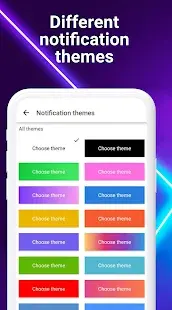
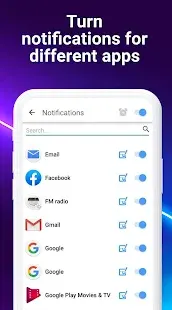
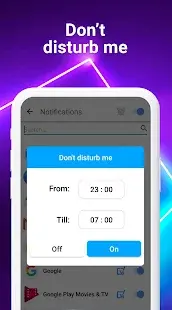
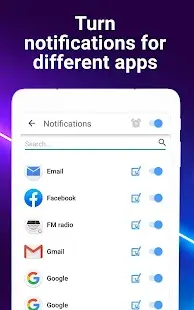
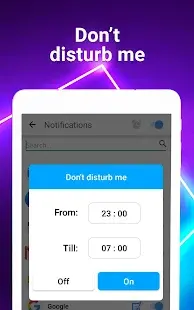
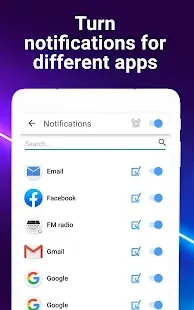
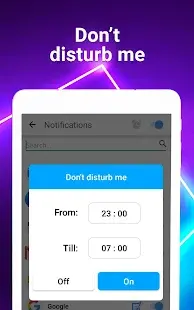
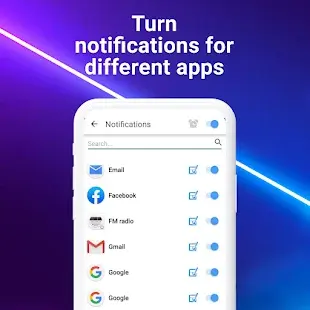
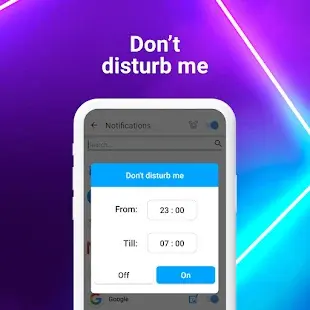
SmartWatch - BT Sync (Wear OS) is a useful application that makes managing your phone notifications easier. It is easy to set up and use, and the synchronization process is quick and efficient. Once you have installed the app on your smartphone and Wear OS smartwatch, you can easily manage your notifications through the app’s settings. You can enable or disable app notifications on your phone and choose the type of notifications you want to receive on your smartwatch.
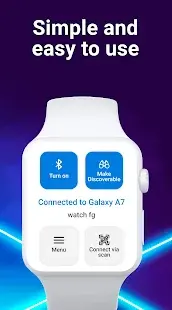
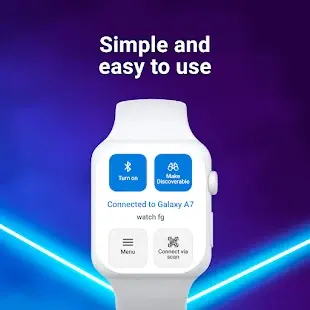
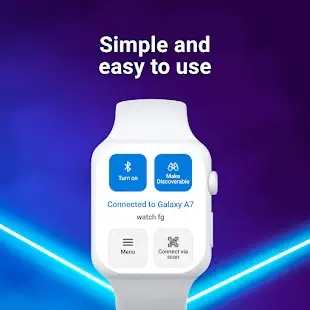
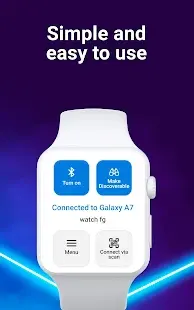
One of the most significant benefits of this app is its simplicity. The app is easy to navigate, and its interface is user-friendly. The app’s design is simplistic, and there are no complicated features to learn. The developers have done an excellent job of creating an app that is intuitive and easy to use.
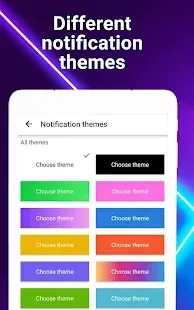
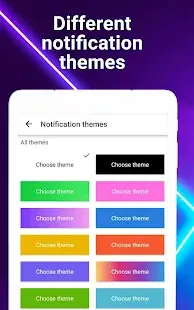
Another advantage of this app is that it works seamlessly with Wear OS smartwatches. The synchronization process is efficient, and notifications are received almost immediately. Users have reported that there is no lag between receiving notifications on their phone and their smartwatch. The app also provides a wide range of customization options, allowing users to personalize their experience.
SmartWatch - BT Sync (Wear OS) Reviews
Overall, the SmartWatch - BT Sync app is a useful tool for anyone who owns a Wear OS smartwatch and wants to stay connected to their smartphone while on the go. The app is easy to use and offers a variety of features that make it a valuable addition to any smartwatch. One of the key features of the SmartWatch - BT Sync app is its ability to receive notifications on the smartwatch. This feature is particularly useful for people who are on the go and don’t want to have to constantly check their phone for updates. With this app, notifications for phone calls, text messages, and other apps can be sent directly to the smartwatch, allowing users to stay connected without having to take out their phone. In addition to receiving notifications, the app also allows users to control their smartphone using their smartwatch. This includes the ability to control music playback, take photos, and even make phone calls. This feature is particularly useful for people who are exercising or engaged in other activities where they don't want to have to constantly take out their phone.
Store Performance
On Google Play, its rating is 3.9 out of 5.0, with 83.2K user reviews and more than 10 million installs. Unfortunately, the app isn’t available on the iOS App Store, so there is no reference to App Store ratings and installments.
Pros and Cons
Pros
1. The app allows users to control their smartphone using their smartwatch, which is useful for people who are exercising or engaged in other activities where they don’t want to have to take out their phone.
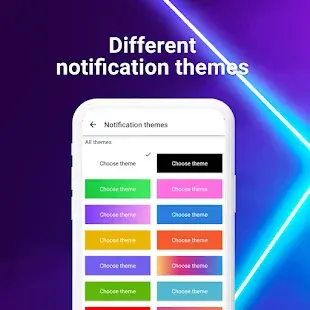
2. The ability to customize notifications allows users to quickly and easily identify which app is sending a notification without having to look.
Cons
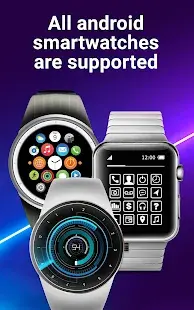
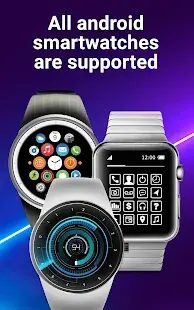
One of the limitations of this app is that it only works with Wear OS smartwatches. Individuals with other types of smartwatches or fitness trackers are unable to use this app. Additionally, some users have reported difficulty in configuring the app to work with their specific smartwatch.
Additional Information
- Category: Communication
- Publish Date: 13 Jun,2024
- Size: 62 MB
- Requirements: Android 5.0+
- Developers: Visit the website
Screenshots



Download






Previous Versions
Disclaimer
· All APK files downloaded from AppDownList.com are safe. This site provides download links to Google Play and App Store. There is no unauthorized processing or modification of any APK packages, and we provide the same content as Google Play.
· This site and all content adheres strictly to all conventions in Google's Advertising Policy and Unwanted Software Policy.
· Please note that AppDownList only provides original APK packages. APK packages, trademarks and logos featured on AppDownList.com are owned by their original owners. If you own copyrighted material and would like to have it removed, please contact the person responsible for this site.
Similar Apps
Burner - Private Phone Line for Texts and Calls


Xfinity WiFi Hotspots

Voice Recorder 3
Hangouts
Straight Talk My Account

v2rayNG
You may Like