GoPro Quik: Video Editor
About GoPro Quik: Video Editor
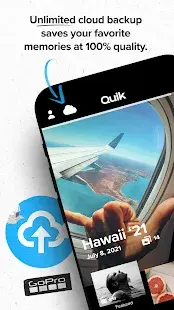
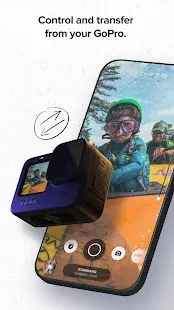
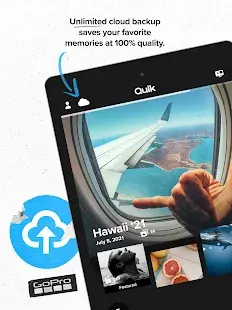
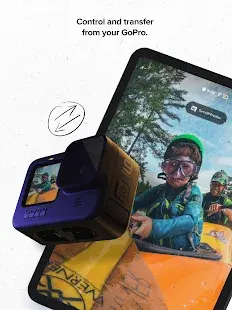
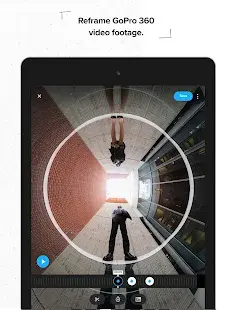
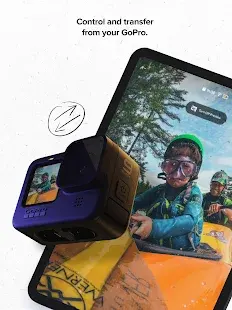
GoPro Quik is a great video editing software, you can use this software to view GoPro media files, edit videos and share videos synchronously and so on. With the emergence of 4G and 5G networks, the way people receive information gradually shifts from graphics to short videos, which makes many self-publishers start to learn short video production. GoPro is a kind of stabilized camera, which is the equipment used by many self-publishers to shoot video materials, and it can help users to shoot clear and stable videos during the process of movement. Users can connect directly to the GoPro camera to view, edit and export videos.
GoPro Quik: Video Editor Reviews
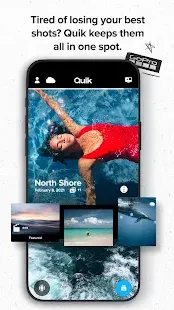
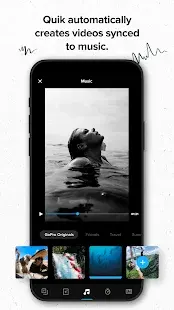
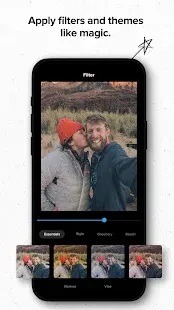
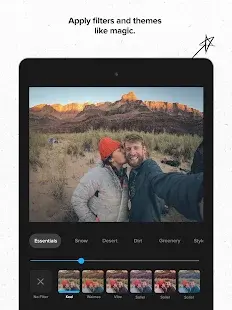
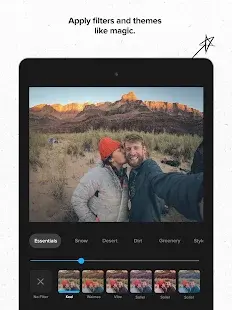
GoPro Quik is a great video editor, a free movie making tool for editing photos and music clips. 28 completely free video styles are available for you to choose, perfectly synchronized music, and it will automatically analyze your photos and video clips to find the best moments, allowing you to make beautiful videos. It is the best helper for those who like video editing. Don’t you want to make beautiful videos of the beautiful moments you capture with your GoPro or smartphone? In just a few seconds, it automatically analyzes your photos and video clips to find the best moments, adds beautiful transitions and effects, and syncs everything to the beat of the music. You can choose from a huge library of music and video styles, and adjust fonts, filters, and patterns to tell your own story.
Store Performance
A total of 538,196 reviews have been found in the Google Play store with a rating of 4.3 stars. It has been installed more than 10,000,000 times. And it has received a 4.8 star rating from 531.3K users in the Apple App Store.
Pros and Cons
Pros
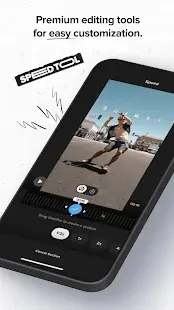
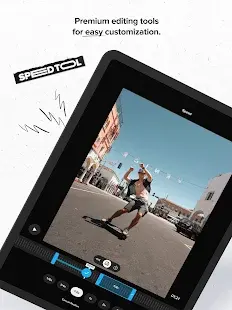
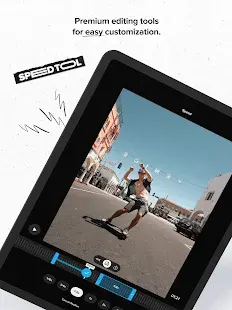
- New speed control tools: It can flexibly control the video speed of multiple clips in a clip - super slow, fast or still.
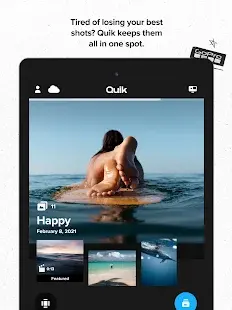
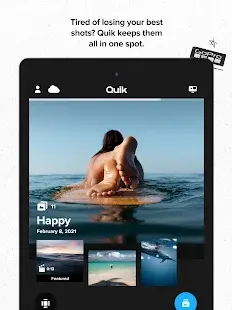
- Relive the excitement on Mural: Mural is a unique and smooth new way to interact with good times and great video clips. You just add your favorite photos and videos to Mural and easily relive them over and over again, whenever you want.
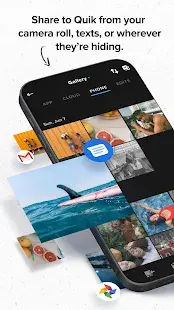
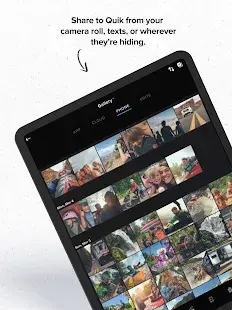
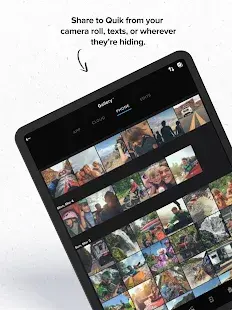
- Add photos and videos at any location: Send your favorite images from your Android device to Mural via SMS, email, or camera album.
Cons
- GoPro Quik is often updating, which influences the normal use.
- The device sometimes can't connect, even after resetting all the information.
Additional Information
- Category: Video Players & Editors
- Publish Date: 26 Mar,2026
- Size: 321 MB
- Requirements: Android 12+
- Developers: Visit the website
Screenshots



Download






Previous Versions
Disclaimer
· All APK files downloaded from AppDownList.com are safe. This site provides download links to Google Play and App Store. There is no unauthorized processing or modification of any APK packages, and we provide the same content as Google Play.
· This site and all content adheres strictly to all conventions in Google's Advertising Policy and Unwanted Software Policy.
· Please note that AppDownList only provides original APK packages. APK packages, trademarks and logos featured on AppDownList.com are owned by their original owners. If you own copyrighted material and would like to have it removed, please contact the person responsible for this site.
Similar Apps

YouTube


Roku Remote Control: RoByte
VLC for Android

BBC iPlayer

Rumble
1 Second Everyday Journal
You may Like