
Adobe Lightroom: Photo Editor
About Adobe Lightroom: Photo Editor
Adobe Lightroom is one of the best photo editors ever. And now, you can use this amazing photo editor and camera app on your mobile devices. The mobile app is developed by Adobe Inc. as part of the Creative Cloud subscription family. It empowers you to capture and edit amazing images.
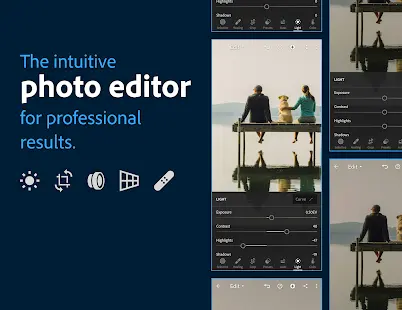
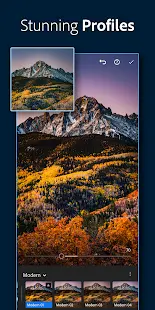
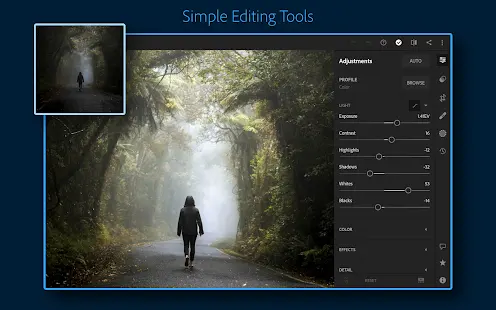
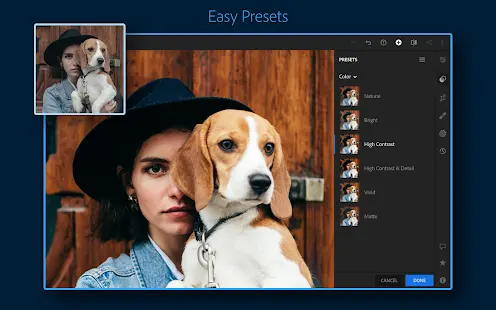
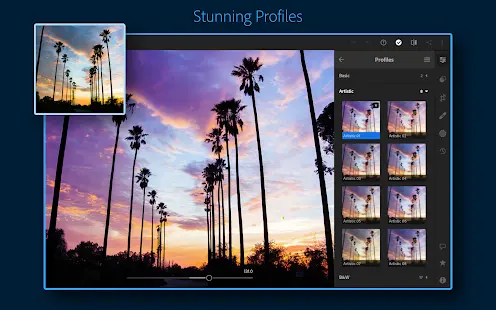
Users can get the most convenient photo editing experience with Lightroom’s easy-to-use editing tools, such as more than 150 exclusive Premium Presets to quickly apply unique adjustments, Lightroom auto to instantly improve the quality of your photo, sliders to retouch your photos, and more. With these tools, you can bring your photo to life anytime, anywhere.
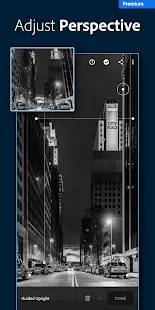
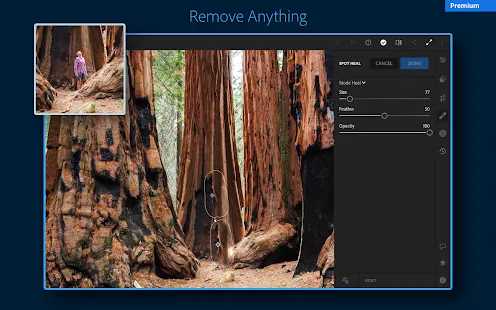
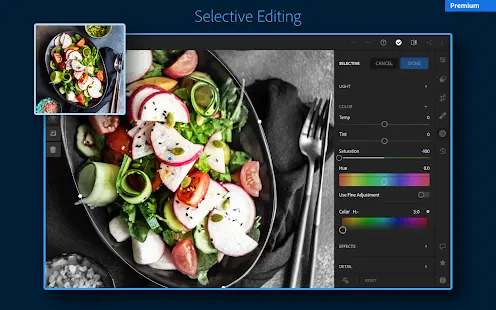
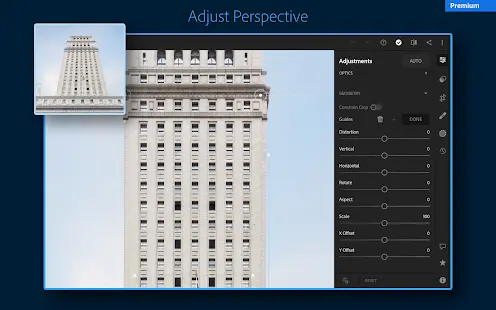
On top of that, you can subscribe to the Lightroom premium to unlock more useful tools, such as exclusive presets, Healing Brush, masking, geometry, cloud storage, and more. The feature of intelligent search can also make it easy to find and manage your photos.
Adobe Lightroom: Photo Editor Reviews
With Adobe Lightroom, it’s never been easier to capture stunning photos and make them even better with editing. It provides you with everything you need to create, edit, store, manage and share your photos on any device, and professional coaching courses to help you improve your photography skills.
Store Performance
On iOS AppStore, Lightroom’s rating is 4.8 out of 5.0, with 166,000 user reviews. On Google Play, its rating is 4.6 out of 5.0, with 1,212,508 user reviews and more than 100,000,000 installs. The app is temporarily not available on Amazon.
Although the app is only available on iOS AppStore and Google Play, we can judge from its ratings that Lightroom is a high quality and widely used app, as its rating is fairly high on both of the above app stores, and it has over 100 million downloads. Such data performance is difficult to achieve by other similar apps. Therefore, this app is a worthy leader in its field.
Pros and Cons
Pros
- You can save your favorite editing process and duplicate edits on multiple photos to create a consistent aesthetic through batch editing.
- With Adobe Lightroom, you can let the artificial intelligence recommend the best presets for your photos.
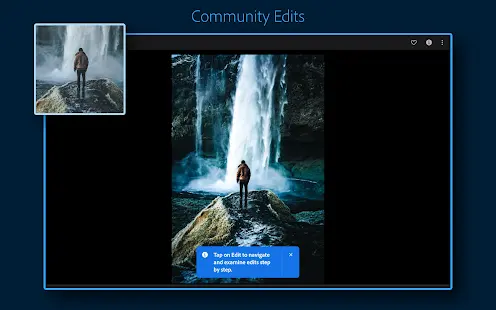
- In the app’s Discover section, you can share your edits and creative process, as well as get inspiration from other creatives.
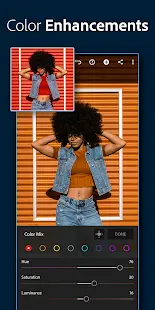
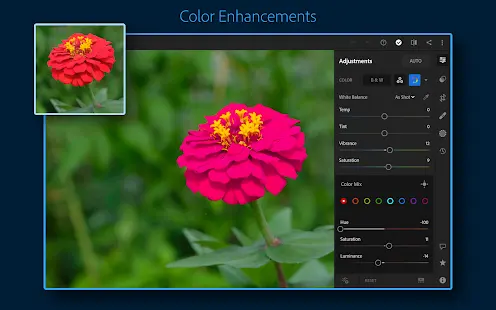
- The app has all you need for photo editing, such as the healing brush, masks, geometry slider tools, color mixer, color grading tools, and more.
- You can unlock the cloud storage and sync your edited photos on any device.
Cons
- The app sometimes crashes and some parts of the interface are not user-friendly enough.
Additional Information
- Category: Photography
- Publish Date: 16 Dec,2024
- Size: 88 MB
- Requirements: Android 8.0+
- Developers: Visit the website
Screenshots







Download






Previous Versions
Disclaimer
· All APK files downloaded from AppDownList.com are safe. This site provides download links to Google Play and App Store. There is no unauthorized processing or modification of any APK packages, and we provide the same content as Google Play.
· This site and all content adheres strictly to all conventions in Google's Advertising Policy and Unwanted Software Policy.
· Please note that AppDownList only provides original APK packages. APK packages, trademarks and logos featured on AppDownList.com are owned by their original owners. If you own copyrighted material and would like to have it removed, please contact the person responsible for this site.
Similar Apps

NewProfilePic: Profile Picture



Picsart Photo & Video Editor

Google Camera

Canon Camera Connect

Skylight

Snapseed
You may Like